
Shopify orders and products, inside every chat.
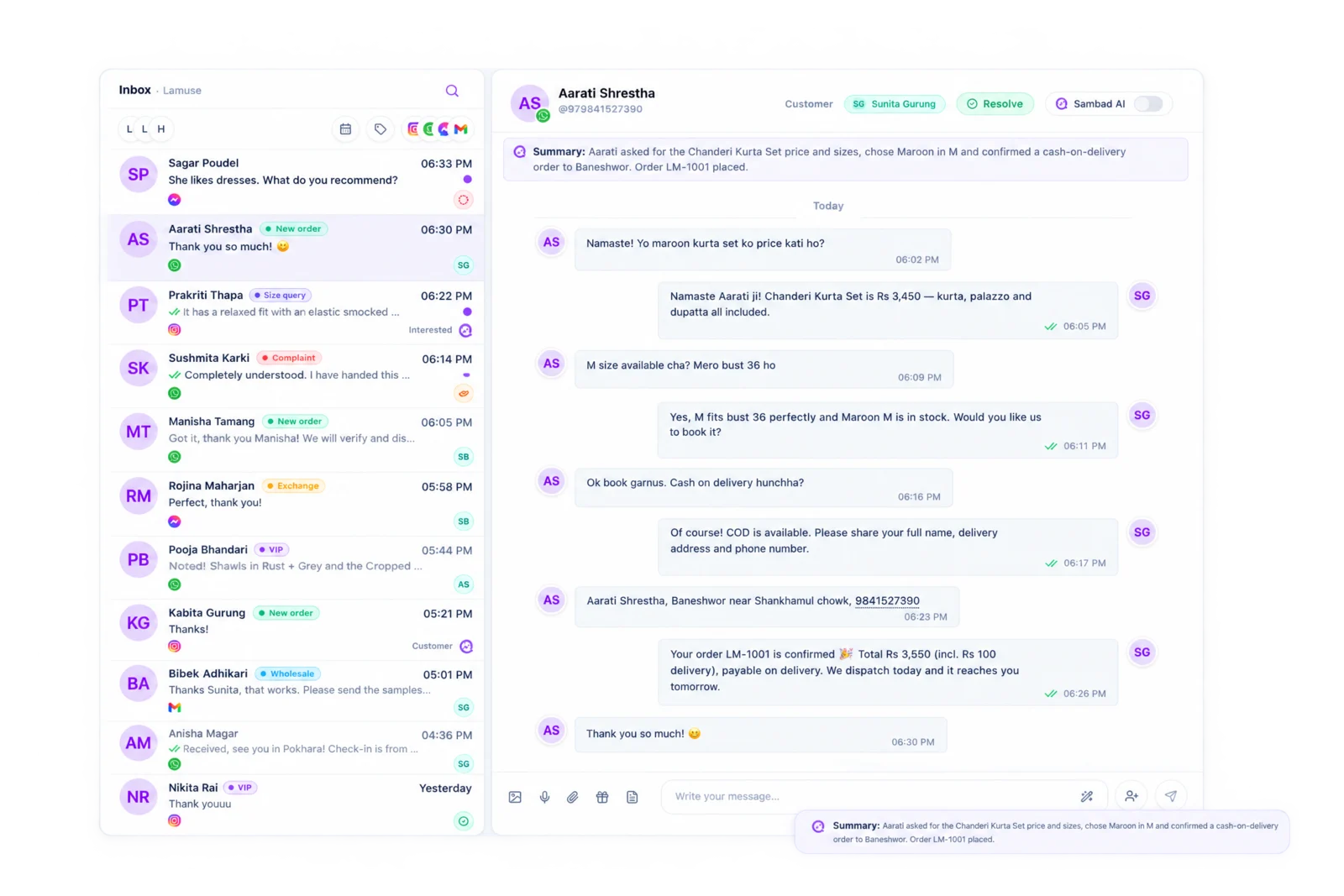
See what a customer bought, where their order is, and send a product, while you reply.
Trusted by 500+ businesses in Nepal




What you get.
Order history
The customer's Shopify orders beside the conversation.
Products
Search your Shopify products and send them in the chat.
Shopify order agent
Sambad AI can browse, place and track Shopify orders.
Every channel
WhatsApp, Instagram, Messenger and email.
Access-token connect
Paste a Shopify access token to connect.
Team context
Whoever picks up the chat sees the same history.
Answer "where is my order?" without a second tab.
Shopify stores get the same questions every day: has it shipped, can I change the size, do you have it in black. With Shopify connected, the order and the product catalog are beside every conversation, so the answer is one glance away.
Questions people ask.
How do I connect Shopify?
Create an access token in your Shopify admin and paste it into Sambad under Integrations, Shopify.
Can Sambad AI place Shopify orders?
Yes, with the Shopify order agent turned on. It can browse products, place orders and track them.
See Sambad on your own channels.
Book a walkthrough with our team. We'll show the inbox, the integrations you need and how your team would use it.