
Orders, payments and delivery, from the chat.
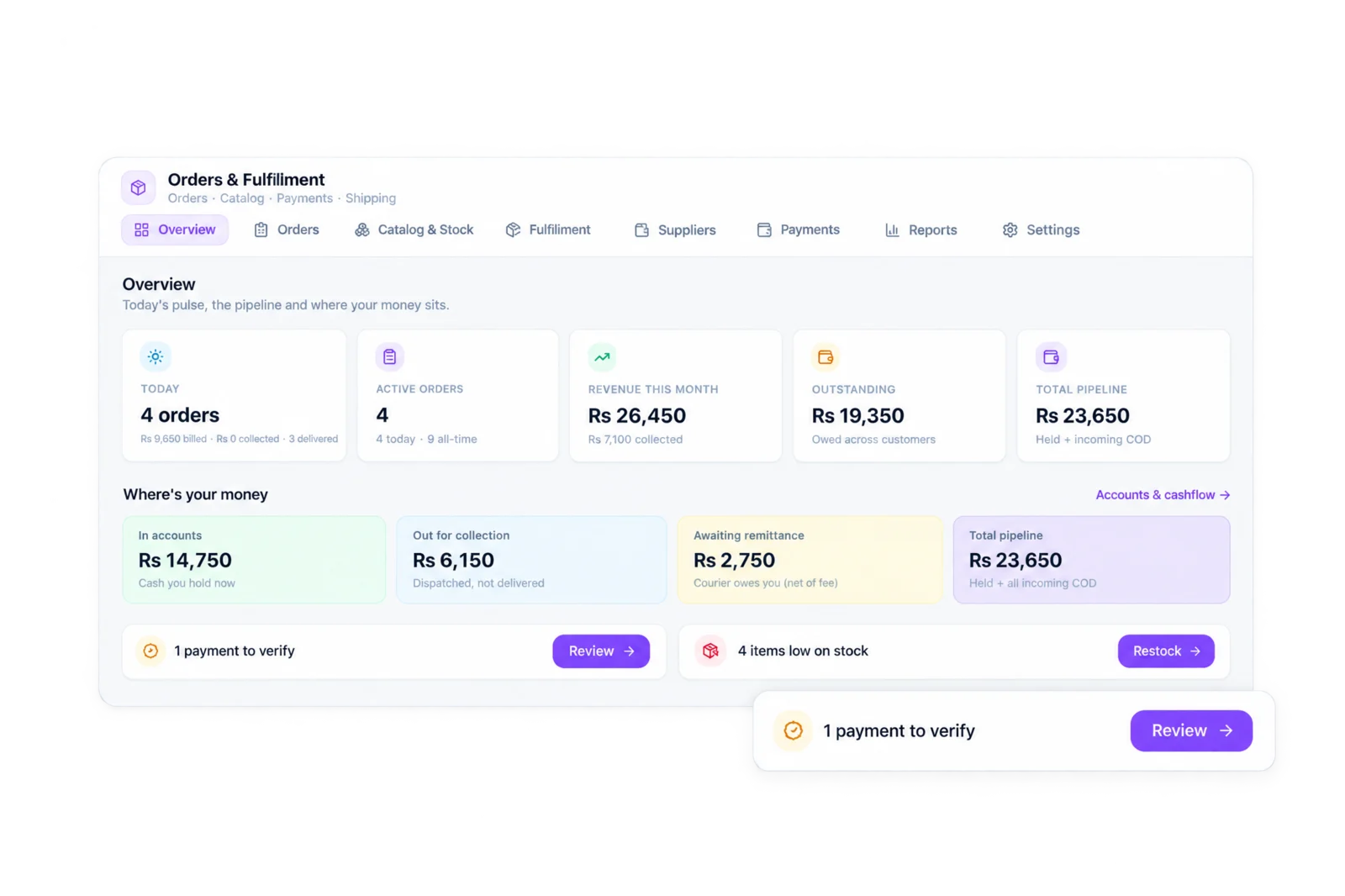
Sambad's built-in order management. Create the order where the customer asked for it, check the payment, and book the courier.
Trusted by 500+ businesses in Nepal




What you get.
Order from the chat
It finds the customer first, so no duplicate contacts.
Payment verification
Record a payment, attach the screenshot, verify or reject.
Your QR in the chat
Send your payment QR to the customer in one tap.
Catalog and stock
Products, variants, stock movements, suppliers and batches.
Seven couriers
NCM, Pathao, Upaya, Pick & Drop, Daraz Express, Dash and Aramex.
COD reconciliation
Match what the courier collected against what you were owed.
Built for how Nepali businesses actually sell.
A customer asks on Instagram, pays by QR and sends a screenshot, and expects the parcel in two days. OMS keeps all of that in one place: the order is created from the chat, the payment screenshot is attached to it, and the order moves from packing to dispatch.
Sambad AI reads payment screenshots and pre-checks the amount, payee and transaction ID. A person on your team approves every payment. Nothing is marked paid on the AI's word.
From packed to delivered.
Pick and pack in batches, dispatch many orders at once, and send each one to your courier with the pickup and destination branch filled in. Self delivery is there too, with the cash-on-delivery amount recorded.
When the courier settles, import the statement and reconcile cash on delivery against your orders. Returns, refunds, store credit and customer statements are all part of the same record.
On when you need it, out of the way when you don't.
OMS is part of Sambad, not a separate product. Nothing is created until you enable it, and turning it off keeps all your data. It is included on Growth, Scale and Enterprise.
How to get started.
01 / 03
Enable OMS
From Integrations. Choose the modules you need.
02 / 03
Add products and couriers
Import your catalog and connect your delivery partners.
03 / 03
Create orders from chats
The order panel appears beside every conversation.
Questions people ask.
Does Sambad verify payments automatically?
No. Sambad AI pre-checks payment screenshots for the amount, payee and transaction ID, but a person on your team approves every payment.
Which couriers does OMS work with?
Nepal Can Move, Pathao, Upaya, Pick & Drop, Daraz Express, Dash Logistics and Aramex (Expo Express), plus self delivery.
Which plans include OMS?
Growth, Scale and Enterprise.
Can I use OMS from my phone?
Yes. The Sambad app has a full Orders tab: orders, catalog, payments, cash on delivery, fulfilment, stock and reports.
I already use Blanxer. Do I need OMS?
No. If your store runs on Blanxer, connect Blanxer and create Blanxer orders from chats. OMS is for businesses that sell from chat without a separate store system.
See Sambad on your own channels.
Book a walkthrough with our team. We'll show the inbox, the integrations you need and how your team would use it.